Menu-bar state
Check pressure without opening a full dashboard.
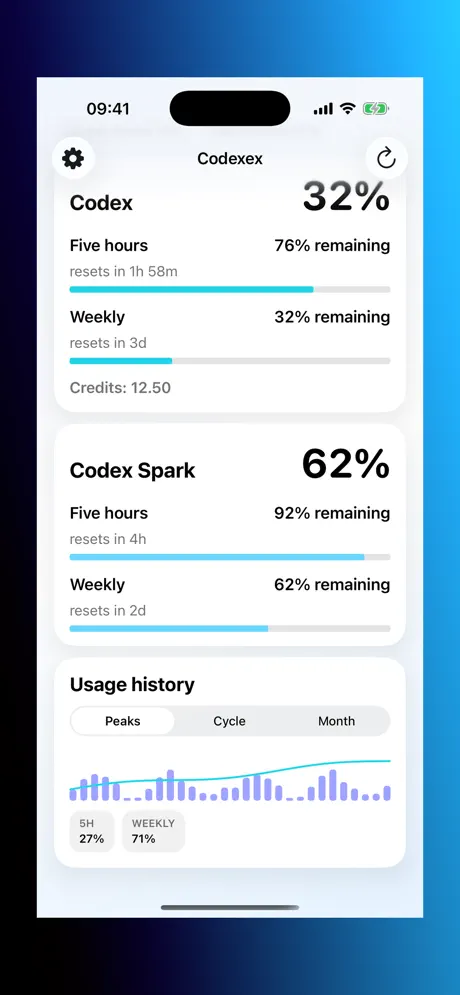
Codexex checks quota state, reset windows, history, forecast, and local session burn across macOS, iPhone, and iPad.

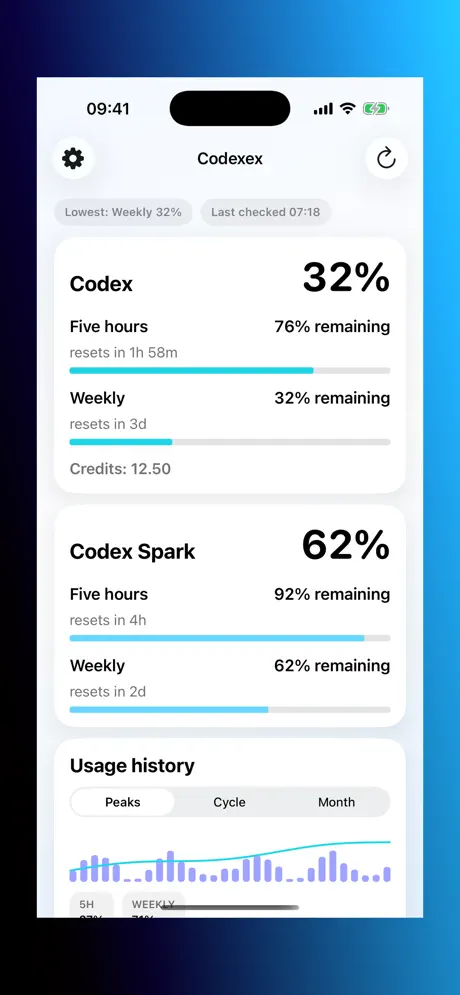
Quota state, reset windows, history, forecast, and local burn in one focused view.
Check pressure without opening a full dashboard.
Five-hour and weekly timing in one place.
Thirty-day trend context for recent usage.
Planning signal, clearly not a billing promise.
Session clues from local Codex activity.
Sandboxed macOS support path for local reads.
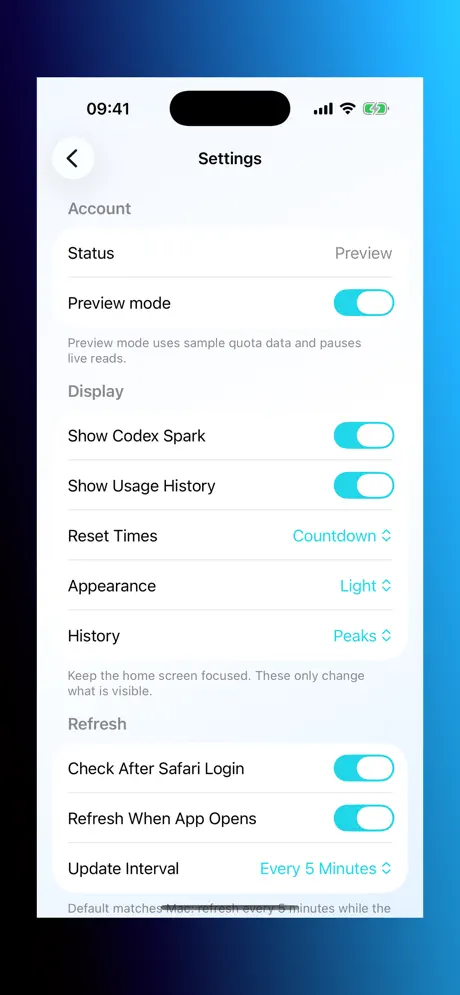
Independent app. Planning signal only.
Unofficial
Not affiliated with or endorsed by OpenAI.
On device
History, settings, and local session context stay local by default.
Verify
Important quota or account numbers should be checked with OpenAI.
No. Codexex is an independent companion app.
No. Treat quota readings, reset times, history, and forecasts as planning help.
No. Sign-in uses the ChatGPT approval flow. No browser-cookie scraping is promised or used.
On your device unless you deliberately send support material.